
Form Builder
Form Branding
One form. Your brand.
Registration and checkout are often the first time attendees touch your event directly. Regform lets the same form carry your colors, fonts, logo, background and button styling, so the sign-up page looks like it belongs to your event rather than to a form tool.
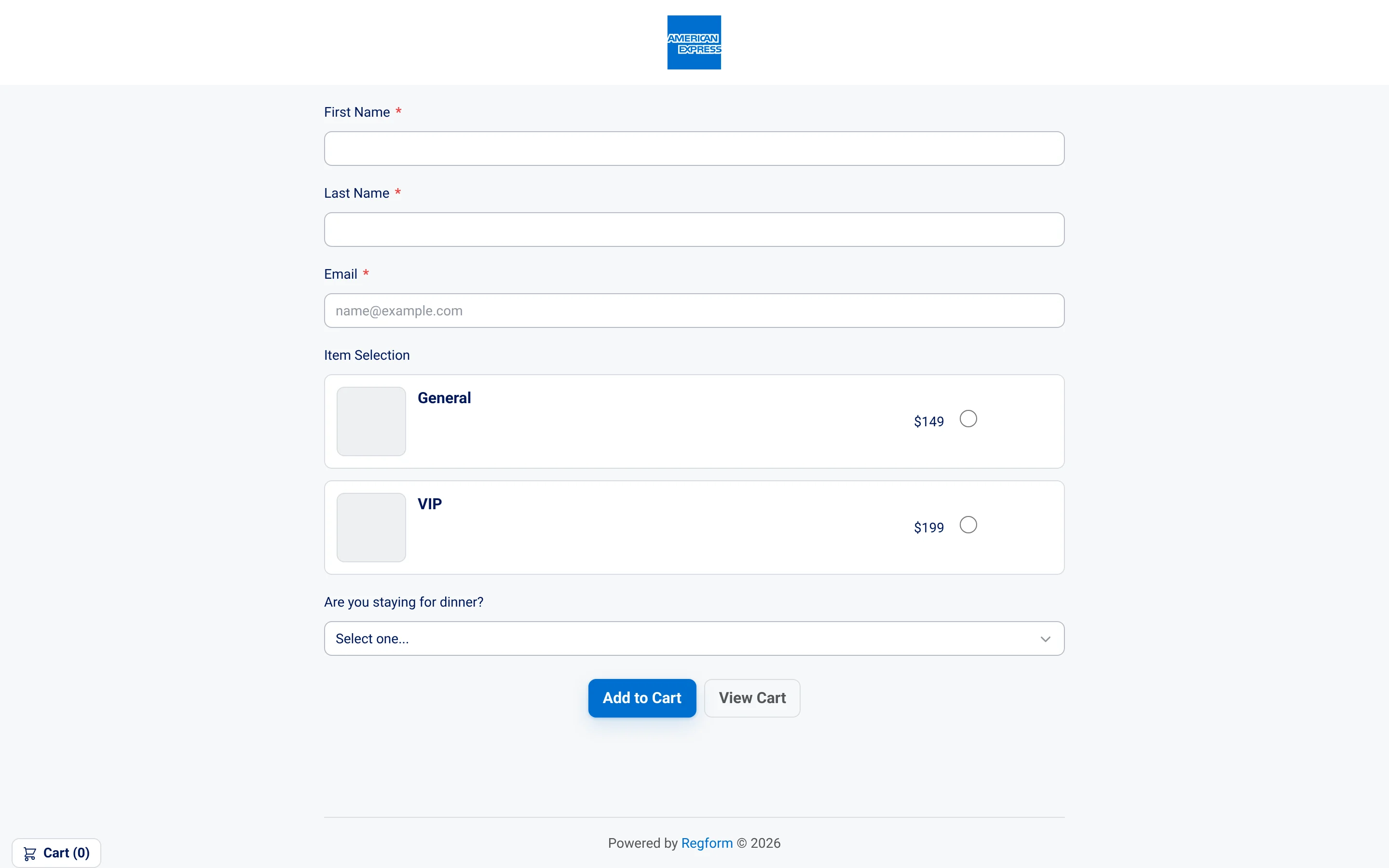
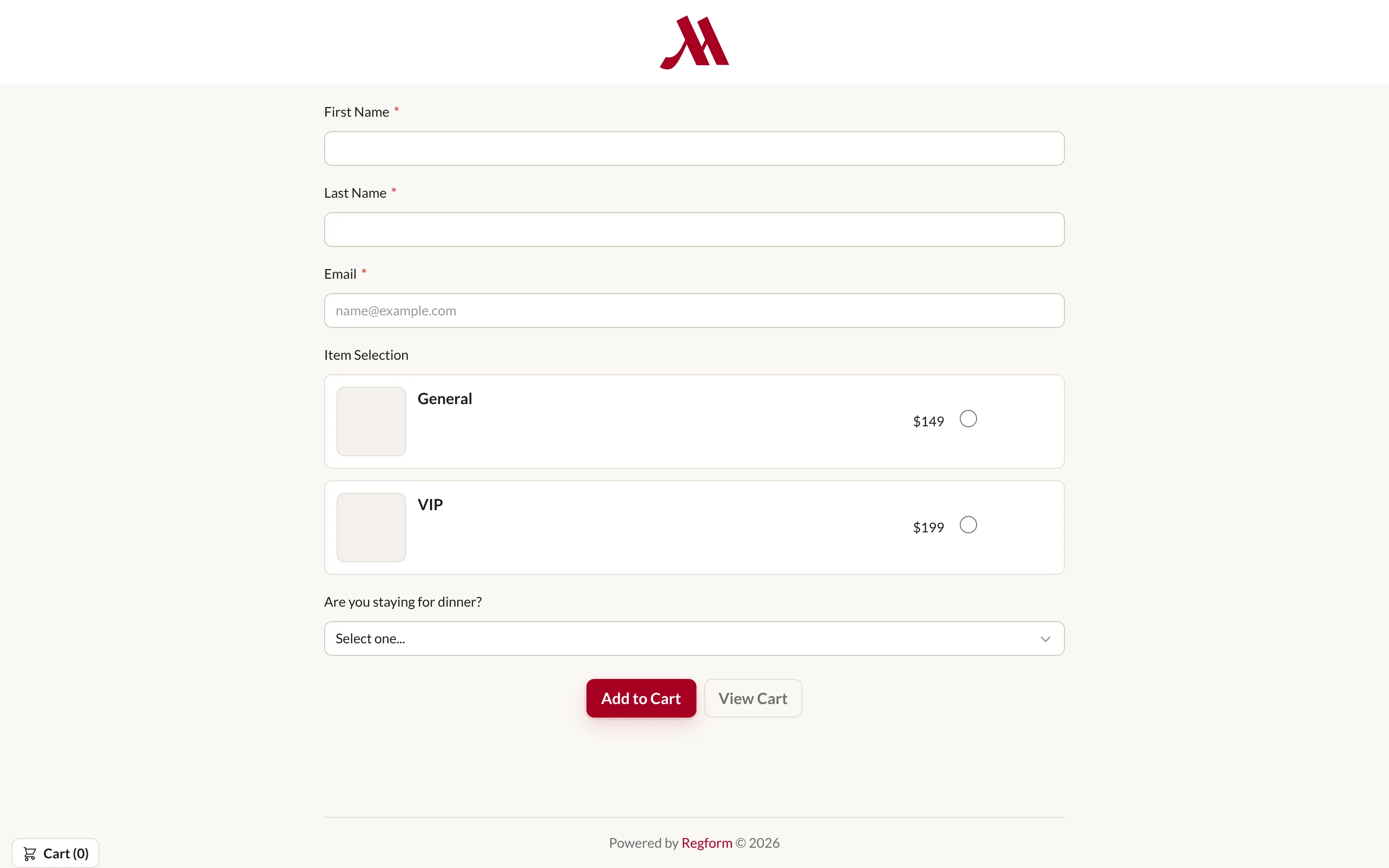
The same registration structure is shown in every design below. Only the branding changes.
- ColorsA palette that feels like you
- FontsTypography for your identity
- LogoYour mark at the top of the form
- BackgroundA setting for your registration
- ButtonsActions styled to match
Pick a design. Watch everything else stay put.
Every screenshot is the same registration form: same fields, same order, same checkout. Switch between light, dark, restrained and bold treatments and inspect what actually changed.
Showing 1 of 10: Restrained monochrome
-
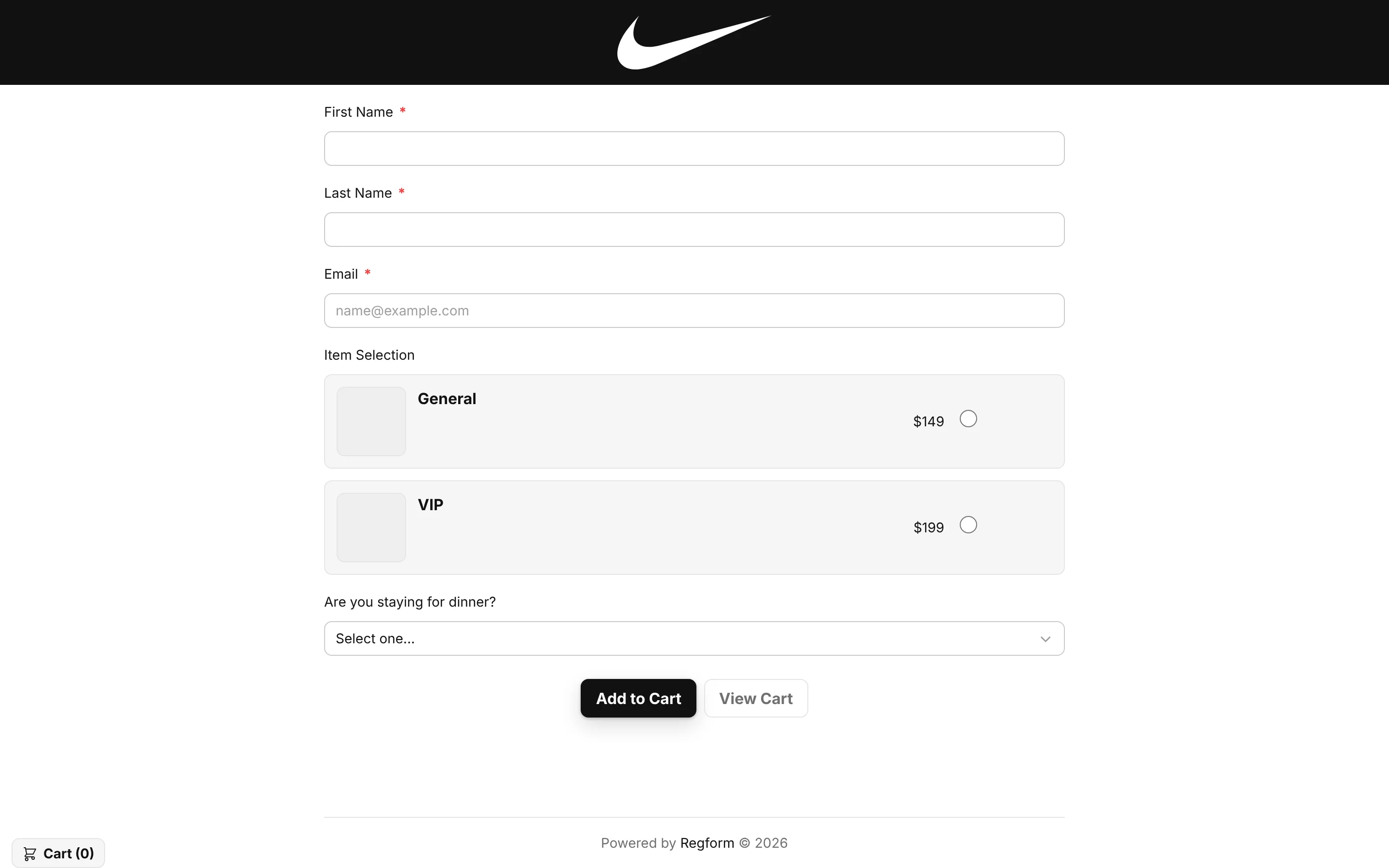
01 / 10 Restrained monochrome
A black logo bar and matching action button frame a white form with pale ticket cards.
-
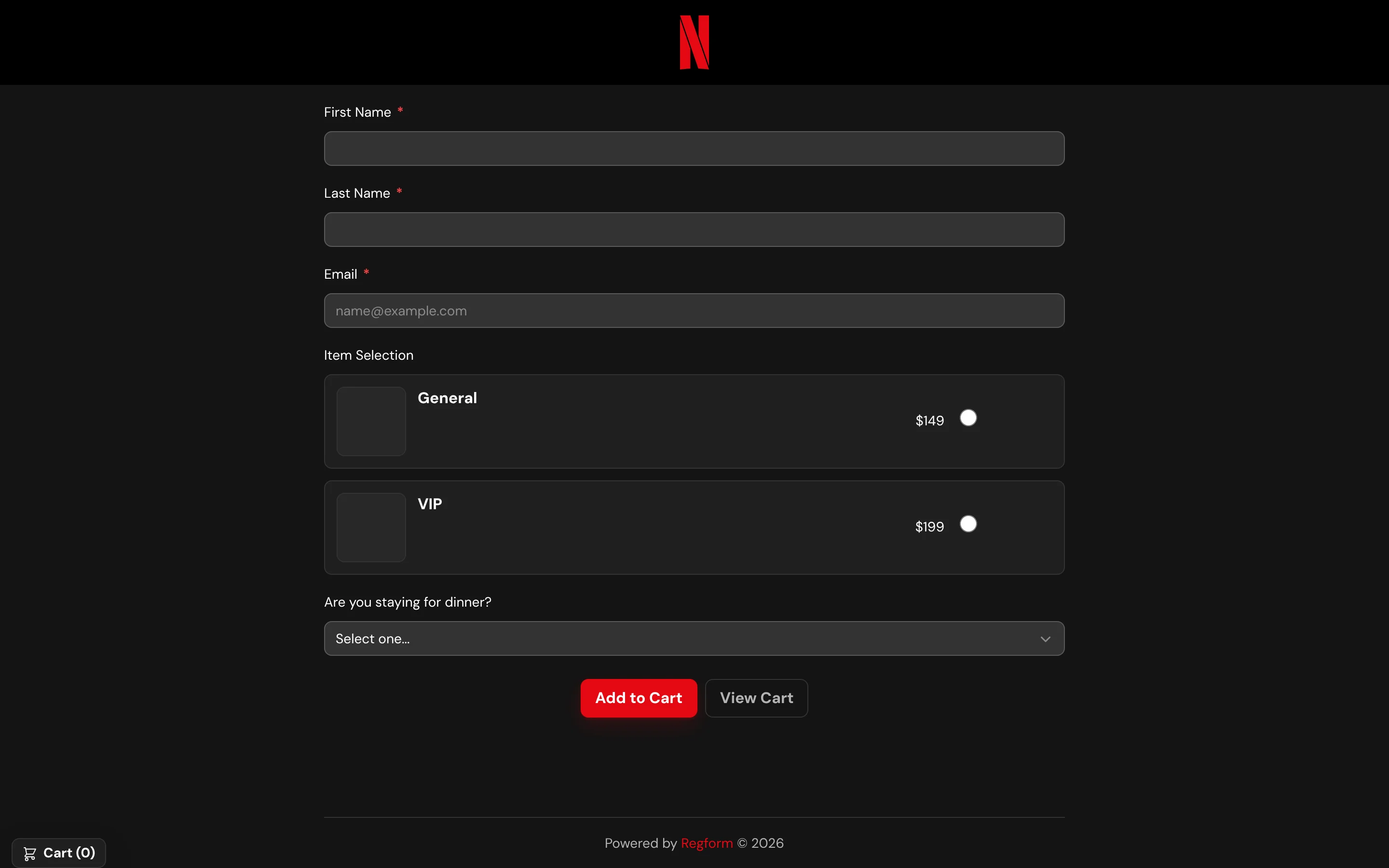
02 / 10 Dark & high contrast
Charcoal fields and ticket cards sit on a dark background, with a red action button.
-
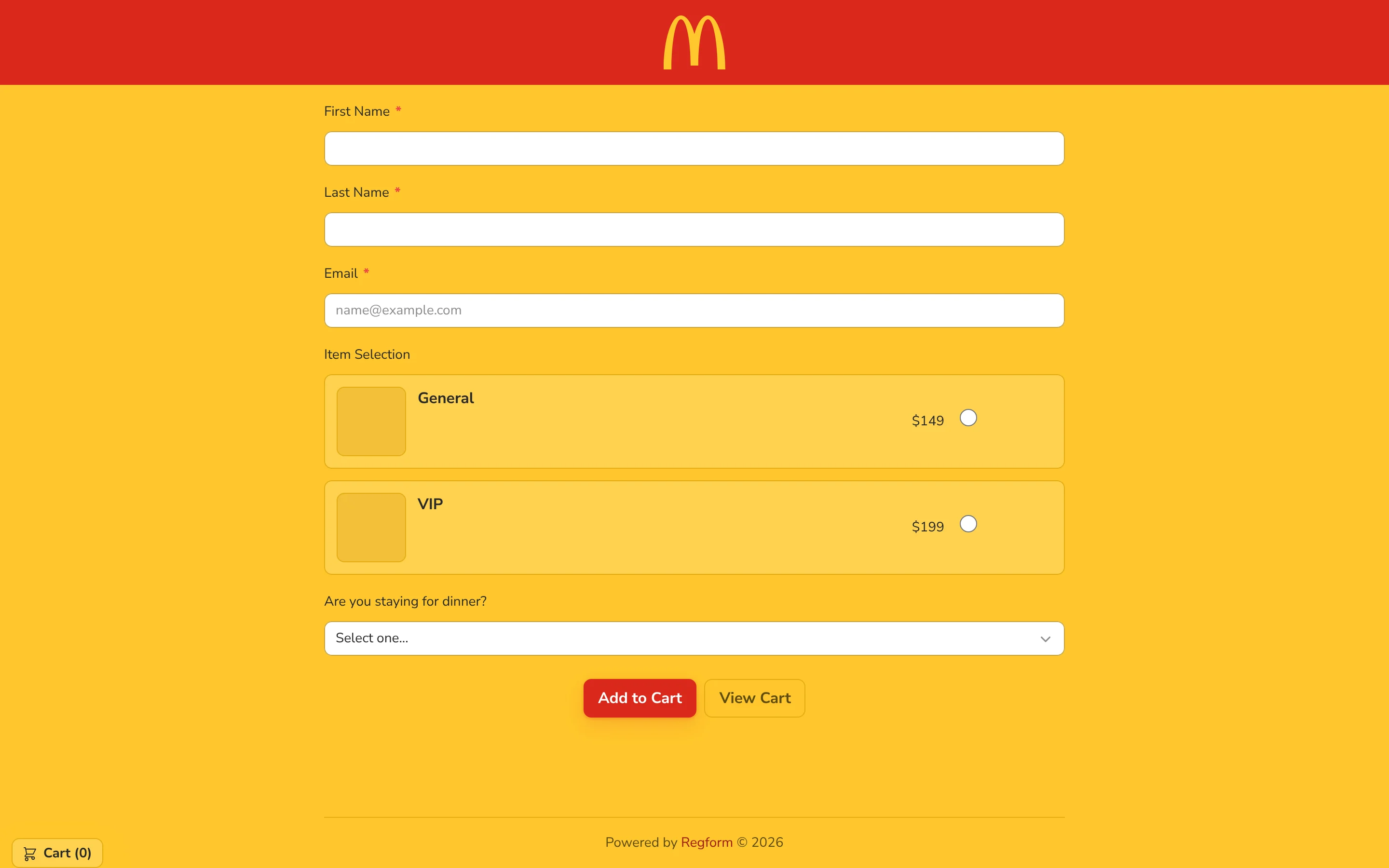
03 / 10 Bold & bright
A saturated yellow background and red header and button give the same registration a vivid treatment.
-
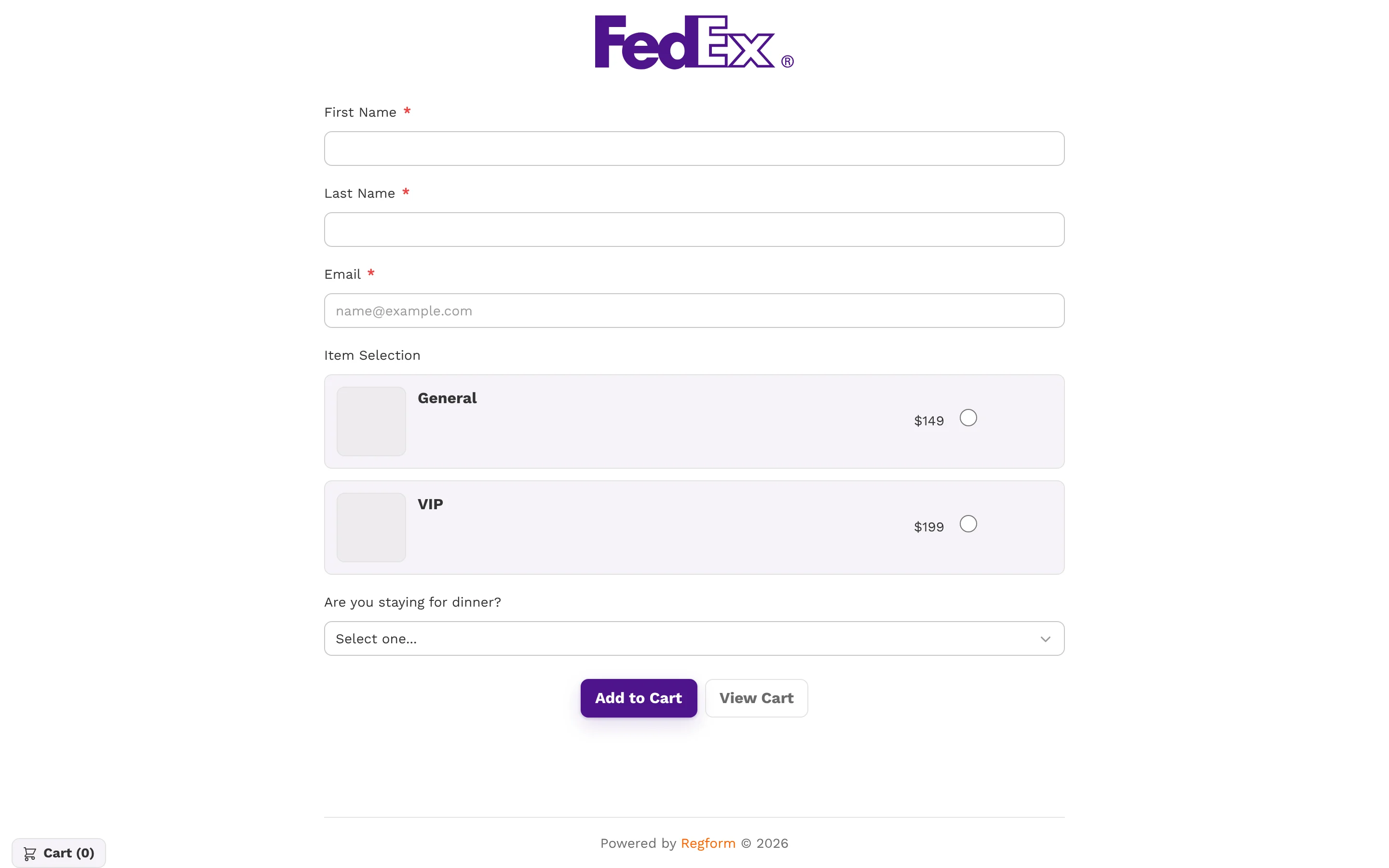
04 / 10 Light & minimal
A white background, quiet gray fields, and a purple action button keep attention on the registration.
-
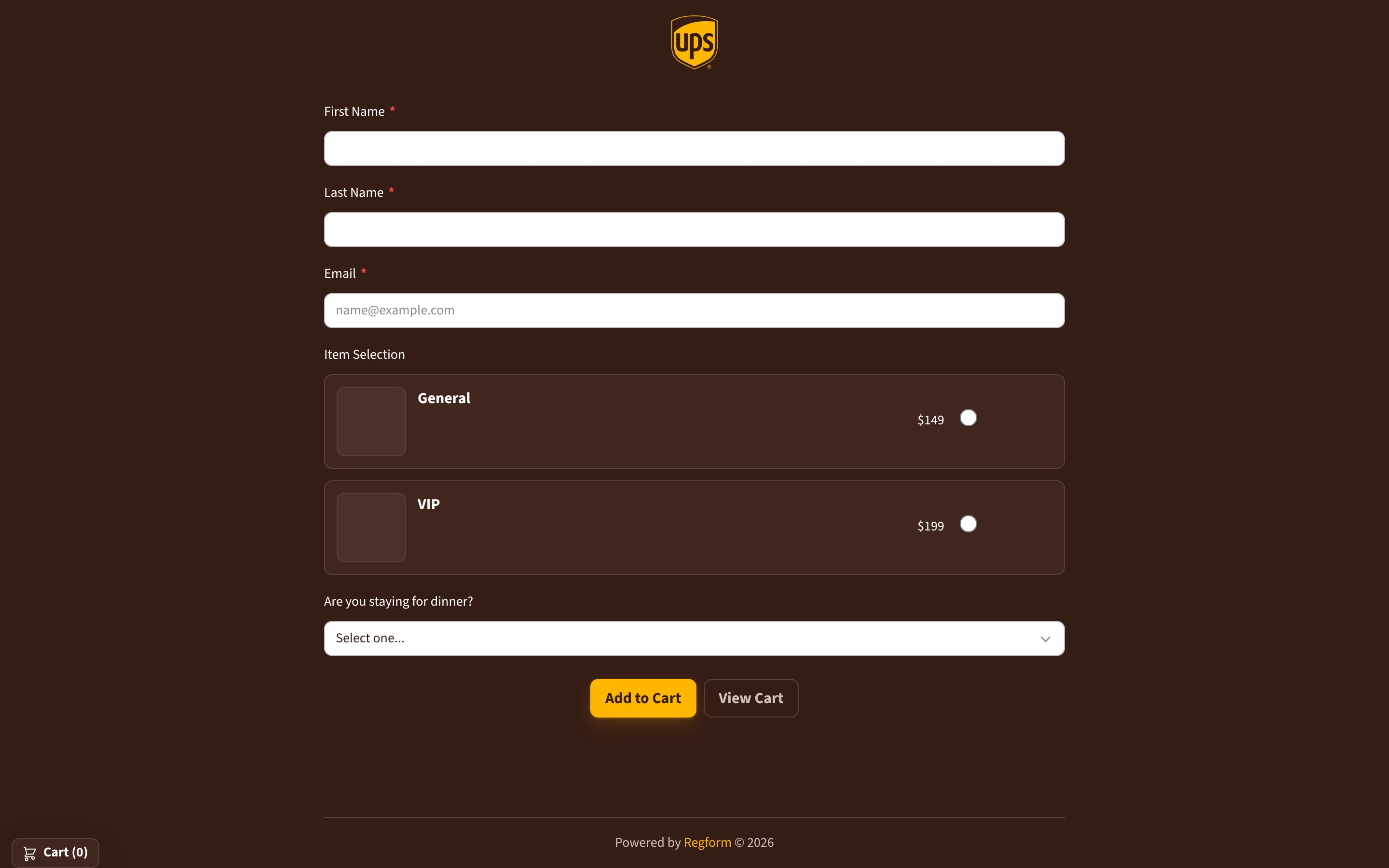
05 / 10 Warm & dark
A deep brown background, white fields, and a gold action button create a warmer dark treatment.
-
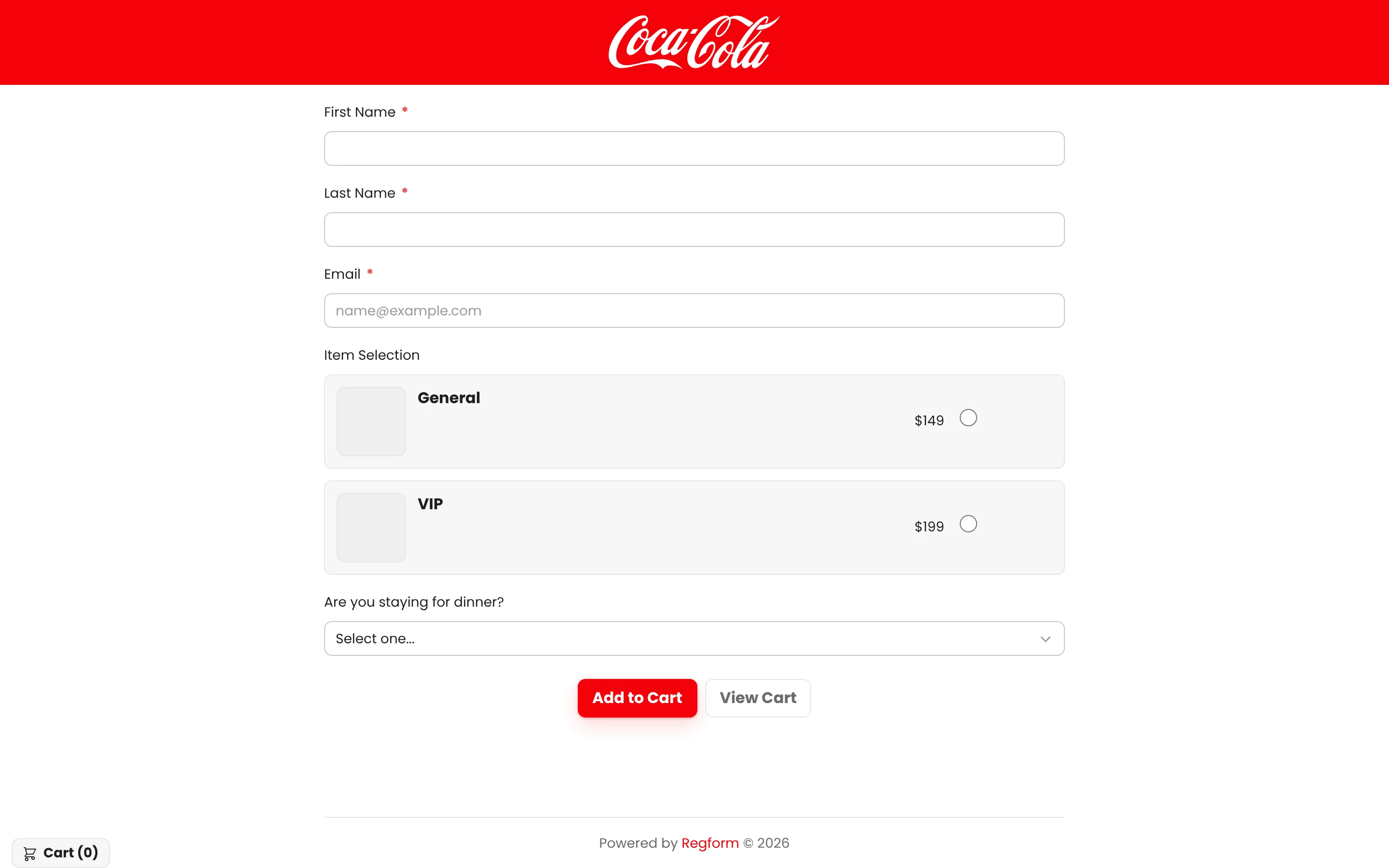
06 / 10 Crisp red accents
A red logo bar and action button stand out against white fields and light ticket cards.
-
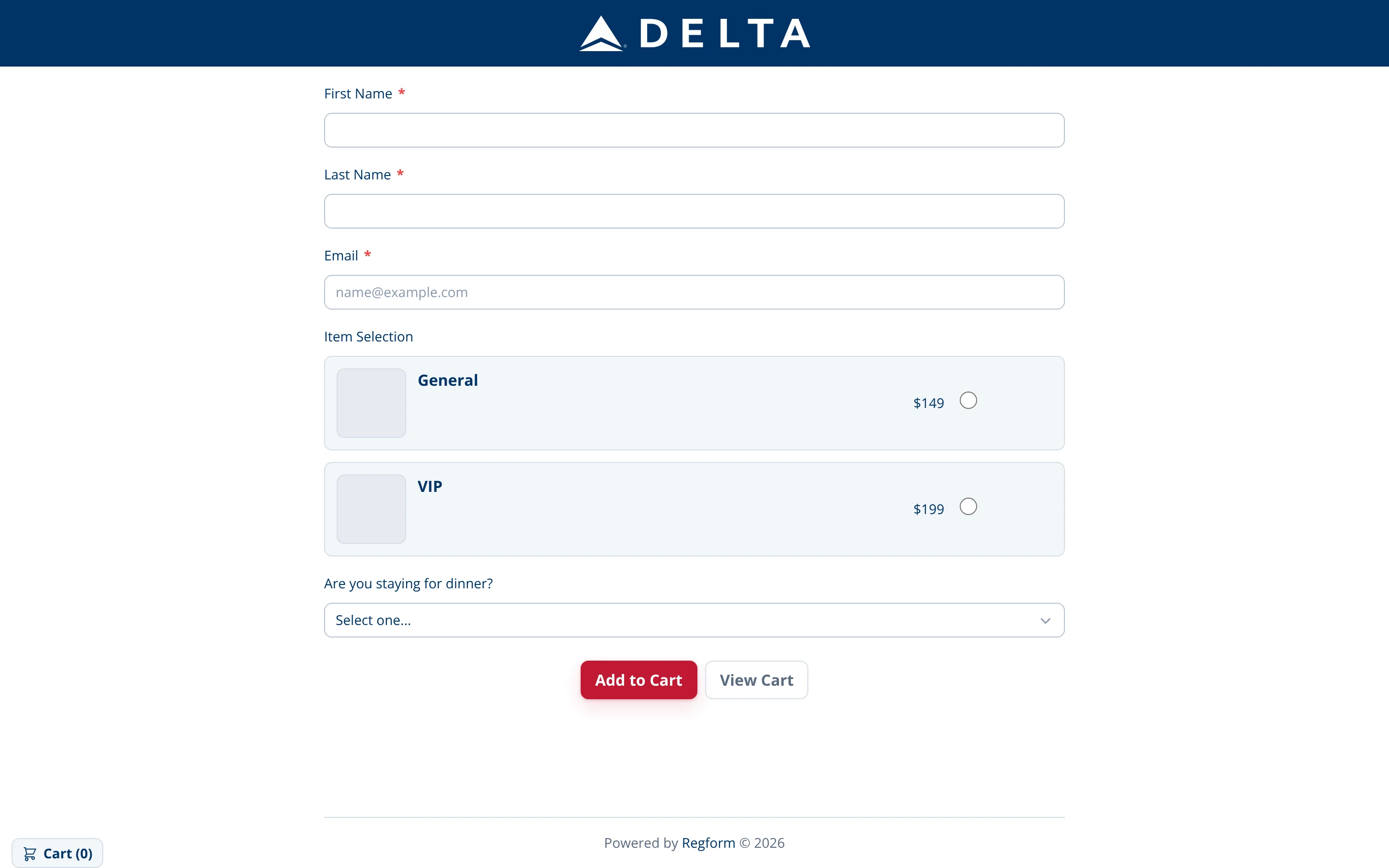
07 / 10 Structured navy
A navy header and red action button add contrast to a pale, spacious form.
-
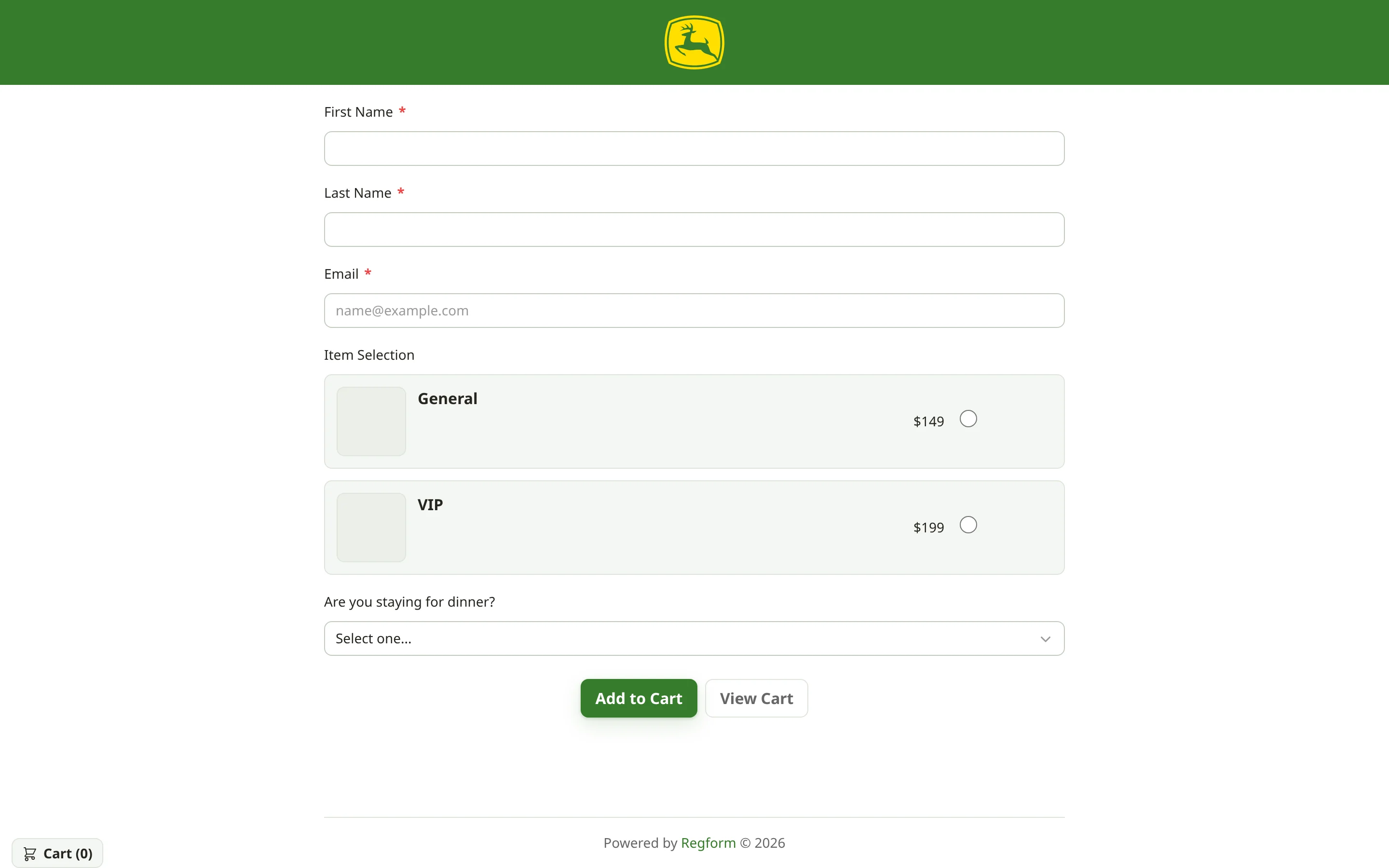
08 / 10 Fresh green
A green header and action button coordinate with softly tinted ticket cards.
-
09 / 10 Quiet blue
A compact blue logo and matching action button sit above and below a cool, light form.
-
10 / 10 Warm & understated
A warm off-white surface and burgundy accents give the same form a restrained finish.
What changes
- Page and panel colors
- The brand's logo
- Background colors
- Button color and styling
What stays the same
- Name and email fields
- The order of the questions
- Ticket options and checkout
- The dinner selection
About these designs: recognizable names, logos and colors appear only as illustrative design concepts created to show range. They do not indicate an affiliation, customer relationship or endorsement, and they are not templates you can import. Your form uses your own brand assets.
In motion
Thirty seconds, one form, many looks.
The video plays only when you press play and starts muted. The soundtrack is music only, with no spoken narration. It cycles through the same registration form as its colors, fonts, logos, backgrounds and buttons change.
Text description of the video
The video opens with “One form.” and cycles through logo, color, background, and button treatments while retaining the registration fields and ticket choices. Light, dark, and saturated designs lead to the closing message “Any brand.” The soundtrack is music; there is no intelligible speech.
Illustrative design concepts; see the disclosure above.
How branding works
Give your form an identity, then choose where to share it.
Form branding sets the visual treatment. The form builder handles the questions and flow, while your sharing method determines where visitors encounter it. Compare hosted links, inline embeds and lightboxes in our conference examples.
- Set your look. Choose colors and fonts, upload your logo, and pick a background.
- Style your buttons. Match calls to action to your event site.
- Preview before you publish. The existing live form preview shows changes as you make them.
- Share or embed. Use a hosted link or drop it into your site.
Confirmation emails
The follow-up looks like you too.
Confirmation emails can carry your logo, colors, fonts, custom content and images, so you can coordinate the follow-up with the form an attendee just completed. Use the existing email preview to check the result. Custom confirmation-email HTML is also available for teams that need to work directly with markup.
A note on email fonts: email clients decide which fonts they will display. Some show custom web fonts and many fall back to a system font, so pick a fallback you are happy with.
- Logoa recognizable identity
- Colorsmatching your form
- Fontswith a safe fallback
- Contentyour own wording and details
- Imagesevent artwork or venue photos
Branded registration forms, answered.
What can I customize on a Regform form?
Colors, fonts, your logo, the background and button styling. Start with the visual identity you use on your event site, then preview your form for readability and clear calls to action.
Are the designs on this page templates I can import?
No. They are illustrative concepts that show the range of looks one form can take. Signing up gives you a Regform account; you then apply your own brand assets in the builder.
Do these brands use Regform?
The recognizable names and marks appear only as design concepts. They do not represent customers, affiliations or endorsements.
How is form branding different from embedding?
Branding changes the form's appearance. Embedding places a form on your website. See the conference examples to compare hosted links, inline forms and lightboxes; those pages demonstrate embedding rather than downloadable themes.
Can confirmation emails be branded?
Yes: logo, colors, fonts, custom content and images. Font display depends on each recipient's email client, so a fallback font may appear.
Can I check how it looks before attendees see it?
Yes. The live form preview and email preview in the builder show your branding before you publish.
Put your brand on your registration form.
Build the form, add checkout, apply your look, and share it.
- Colors, fonts, logo, background and buttons
- Branded confirmation emails
- Built-in checkout and payments