
Build your registration form with AI
Less manual setup, more control. Describe your event, review an AI-generated draft, then create your form in Regform and keep editing.
- No credit card required
- Built-in checkout for paid registrations
- Edit every field afterwards
Try: “A two-day volunteer conference for 150 people with lunch choices and a $40 ticket.”
Looks like we have what we need.
By submitting messages in this generator, you agree to storage of your original submitted messages and available marketing attribution for 30 days for product improvement, even if you do not sign up. Your messages, including any email addresses and phone numbers, are available to authenticated Regform admins and in their exports. Obvious email addresses and phone numbers are redacted from copies sent to AI. Do not include sensitive information. These records are your submitted messages, not full assistant transcripts.
Form
Tap a step to see its fields. Not perfect? No problem — you can edit every field in the builder after this step.
Your event. Your brand. Your form.
AI drafts your form structure. You make it yours with colors, fonts and your logo in the builder.
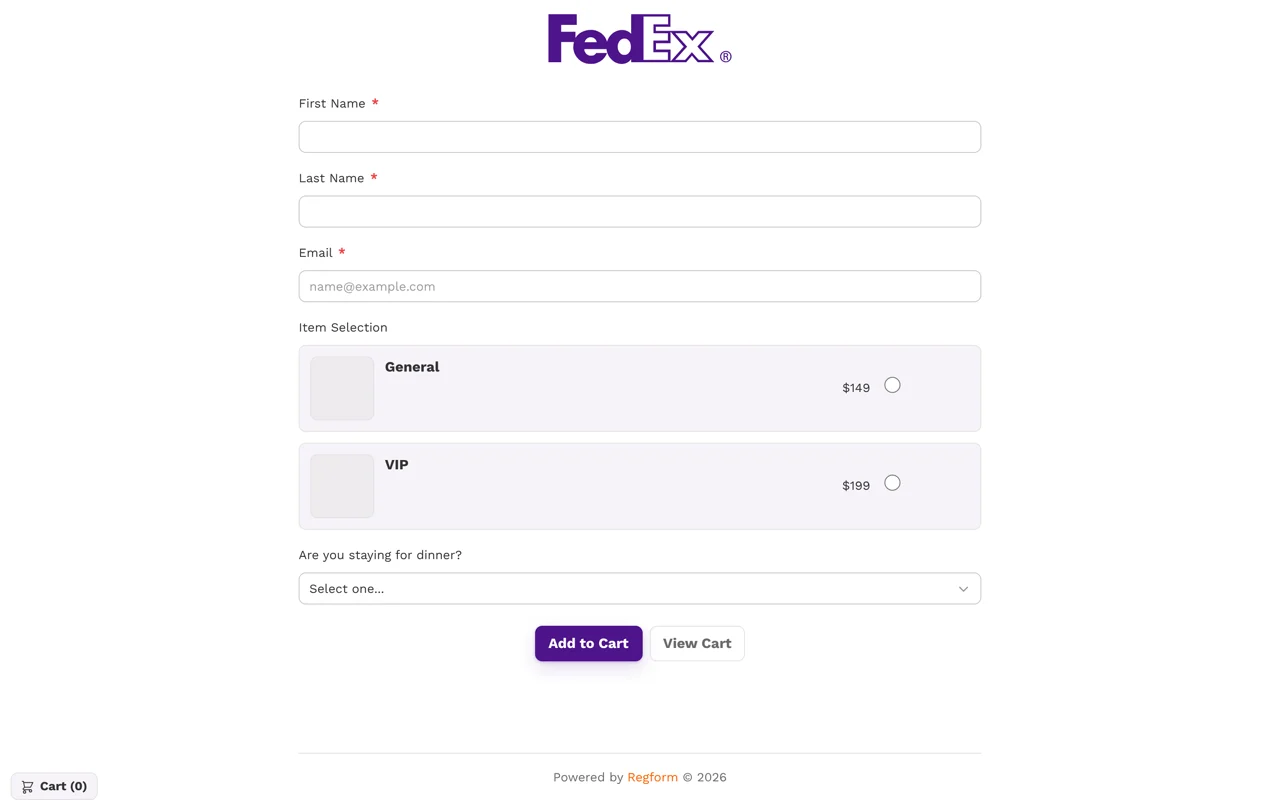
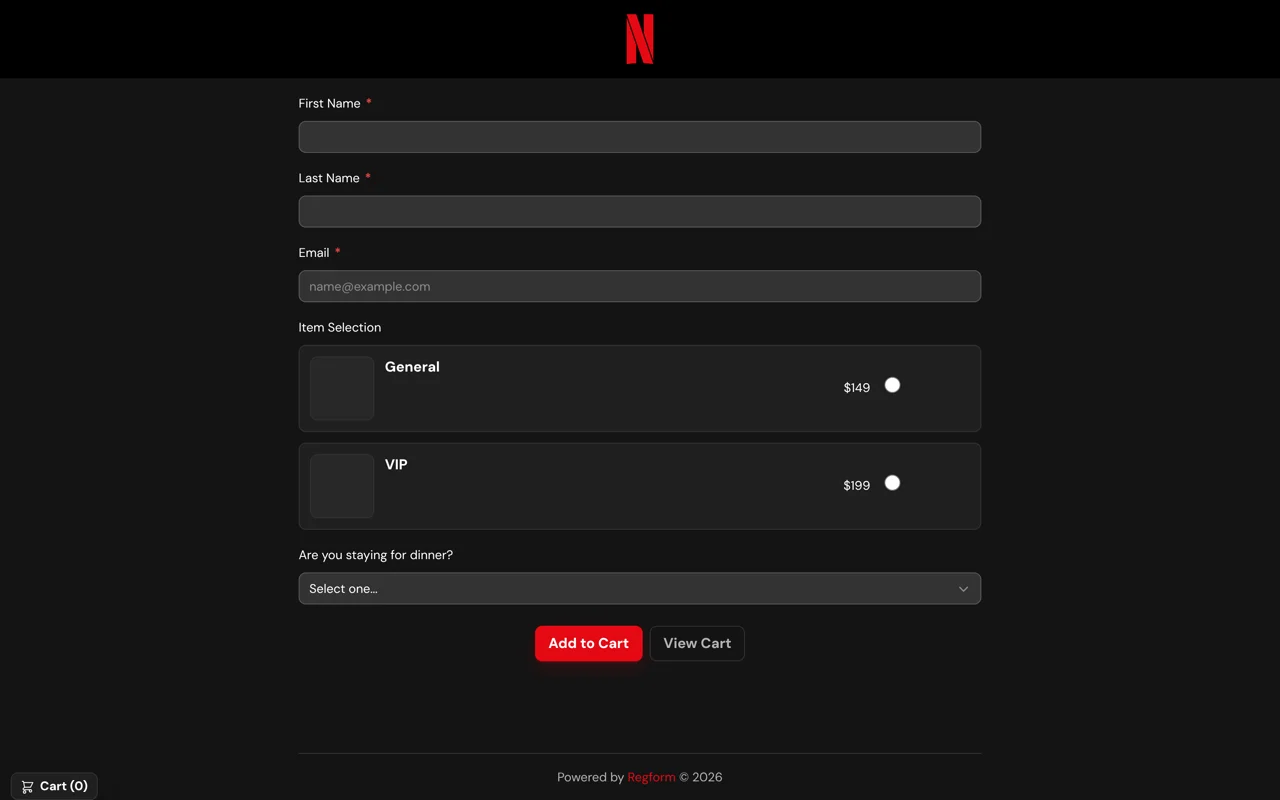
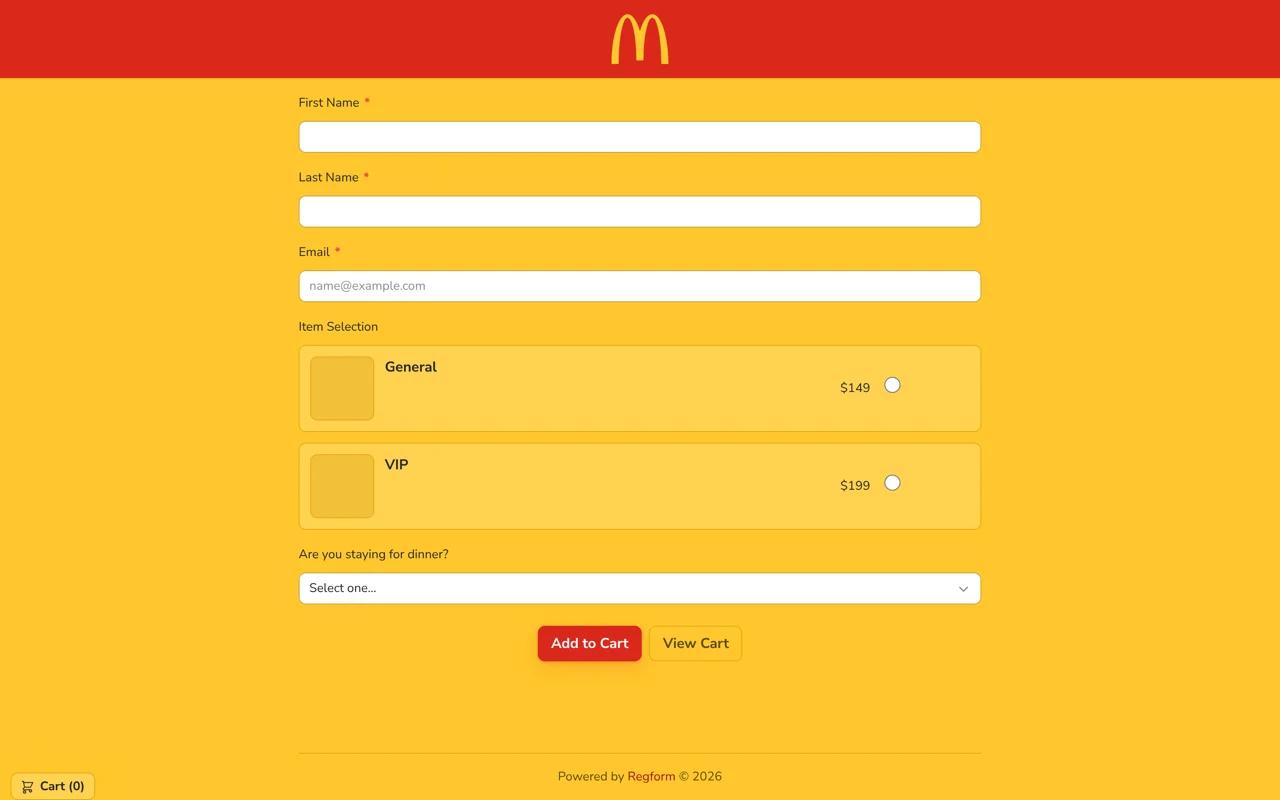
Illustrative design concepts, not customer examples, endorsements or importable templates. Recognizable third-party names and marks do not imply affiliation.
Explore form brandingRegistration without the usual headaches
Start with a draft, shape it for your event, and know the costs before you create an account.
Building every field by hand?
Start with a conversation.
Describe your event and let AI draft the steps and fields. Review the preview and ask for changes before creating your form.
A generic form that doesn't fit?
Keep control of the details.
Edit fields and steps after creation. Set your colors, fonts and logo in the builder—branding is yours to configure, not something the AI draft finishes for you.
Sign-ups here, payments elsewhere?
Bring registration and checkout together.
Collect attendee details and sell tickets in the same Regform form. Review ticket prices and configure payment settings in the builder before accepting payments.
Unsure what your event will cost?
See the fees before you start.
Paid-transaction fees, separate processor fees and the annual condition for free events are laid out in the pricing below.
Three steps from idea to form
-
Describe
Tell the assistant what you're running: who attends, what you need to collect, and whether you charge.
-
Review
Open each step of the preview. Not quite right? Ask for a change and it updates.
-
Create
Confirm your details and agreement. Open your form in the builder to keep editing and configure branding and payment settings.
What people describe
A sentence or two is enough to get started. A few examples:
- ConferencesAttendee details, session choices, early and standard ticket tiers.
- Workshops and classesSeat-limited sign-ups with experience level and materials fees.
- Races and fundraisersParticipant info, shirt sizes, emergency contacts, optional donations.
- Camps and youth programsGuardian contacts, age groups, medical notes and consent.
- Galas and dinnersTables or individual seats, guest names, meal preferences.
- Member meetupsFree RSVPs with dietary needs and accessibility requests.
Know the fees before you start
No monthly or setup fees. Review the transaction fees and annual condition below, then the full terms before creating your account.
- Paid events
- 1.99% + $0.99 per paid transaction. Payment-processor fees are separate.
- Free events
- Free when your account processes at least 250 paid transactions per calendar year. Otherwise, $247.50 for that year ($0.99 × 250).
Questions before you start
What should I tell the AI assistant?
Describe your registration, the information you need from attendees, and whether you collect payments. For an event, include its type, date, expected attendance and ticket options. The assistant asks follow-up questions before generating a draft.
Can I review and change the form?
Yes. Preview the steps and fields, then use Make a change to request a revised draft. After creation, keep editing fields and steps in the Regform builder and configure your colors, fonts and logo there. AI drafts the form; you retain editing control. Review AI-generated content before using it.
Can registration and payment stay in one form?
Yes. Regform has built-in checkout for tickets and paid registrations. The AI draft is a starting point, not a payment-ready setup: review ticket prices and configure payment settings in the builder before accepting payments. Payment-processor fees are separate from Regform fees.
What does Regform cost?
Paid events cost 1.99% + $0.99 per transaction, with no monthly or setup fees. Payment-processor fees are separate. Free events are free only with at least 250 paid transactions per calendar year; otherwise the annual charge is $247.50. Account creation requires agreement to the Service Agreement and current pricing, including annual renewal terms.
Do I need an account to start?
You can begin the conversation and preview your draft here. The assistant asks for your name, email and organization during the conversation. To create the form in a new account, confirm your details and accept the Service Agreement. If your email already has an account, we direct you to sign in instead.
Your form is one description away
Tell the assistant about your event and review the draft before anything is created.